

Groups allow you to organize multiple IP subnets into a single entity that can then be referenced elsewhere within DynamicLink. For example:Documentation Index
Fetch the complete documentation index at: https://docs.zayo.com/llms.txt
Use this file to discover all available pages before exploring further.
- Office IP ranges for firewall rules
- Server subnets for access control
- Cloud provider IP ranges
- Trusted network segments
Add a Group
Select Network in the bottom menu and then select Groups.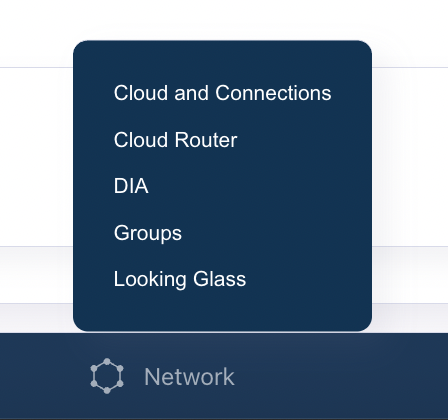
- Click Add in the upper right.
- Provide a name for the Group.
- Next to Add IP Subnet, enter the subnet you want to include in the group.